
People & roles
Connect each worker to the employer, role and program context that applies.
Bringing a new employee or driver into an operation means coordinating information, program coverage, documentation and next steps. Workforce provides the administrative context to help your team organize the process.
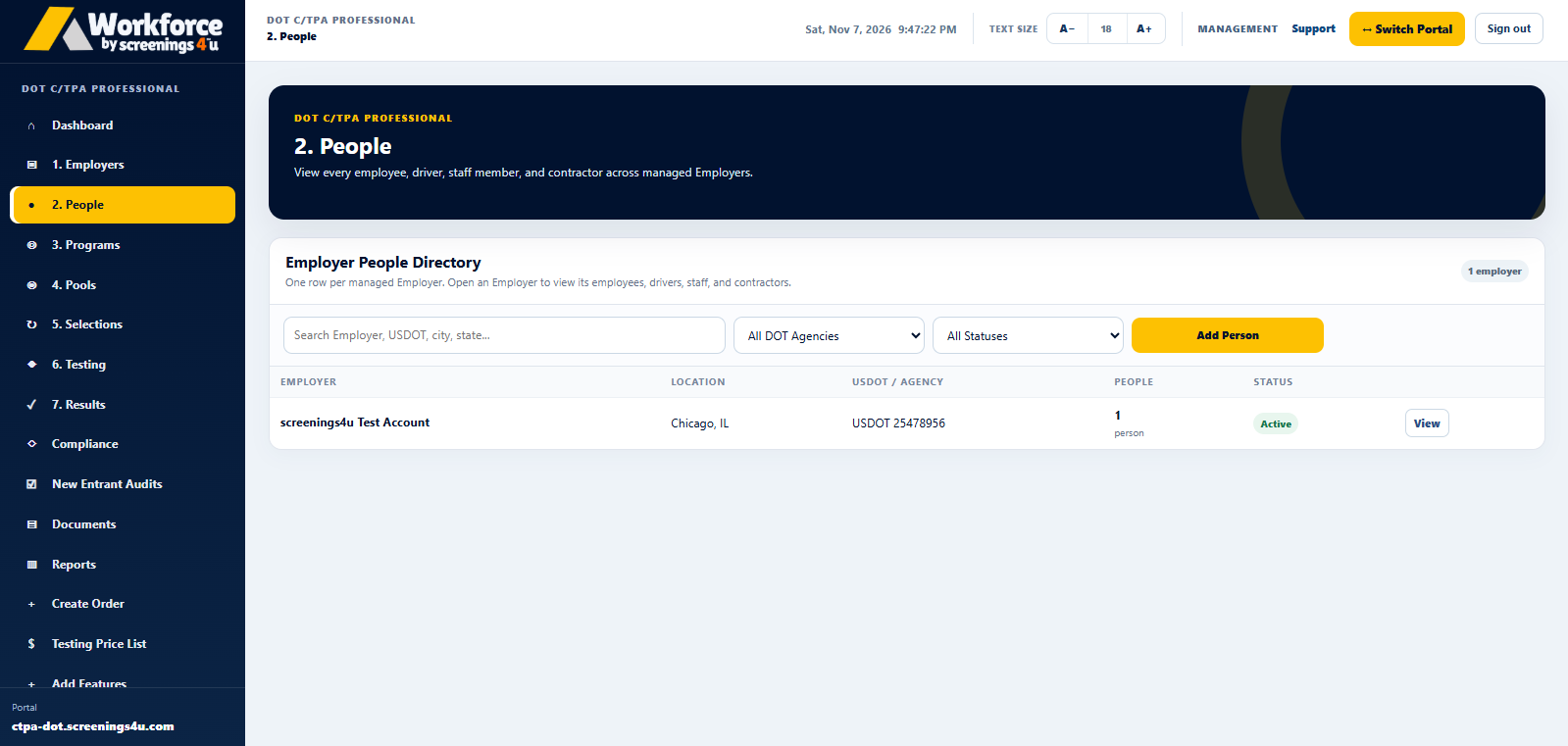 Actual Workforce portal screenshot
Different positions can have different onboarding needs. Organizing the records and required follow-up reduces administrative confusion without replacing employer policies.
Connect each worker to the employer, role and program context that applies.
Coordinate the workflow around applicable employment, training and testing requirements.
Keep permitted administrative documents and relevant follow-up accessible to your team.
A consistent workforce record makes it easier to connect the right person with a program, test or reporting workflow. Which capabilities are available depends on the selected software plan.
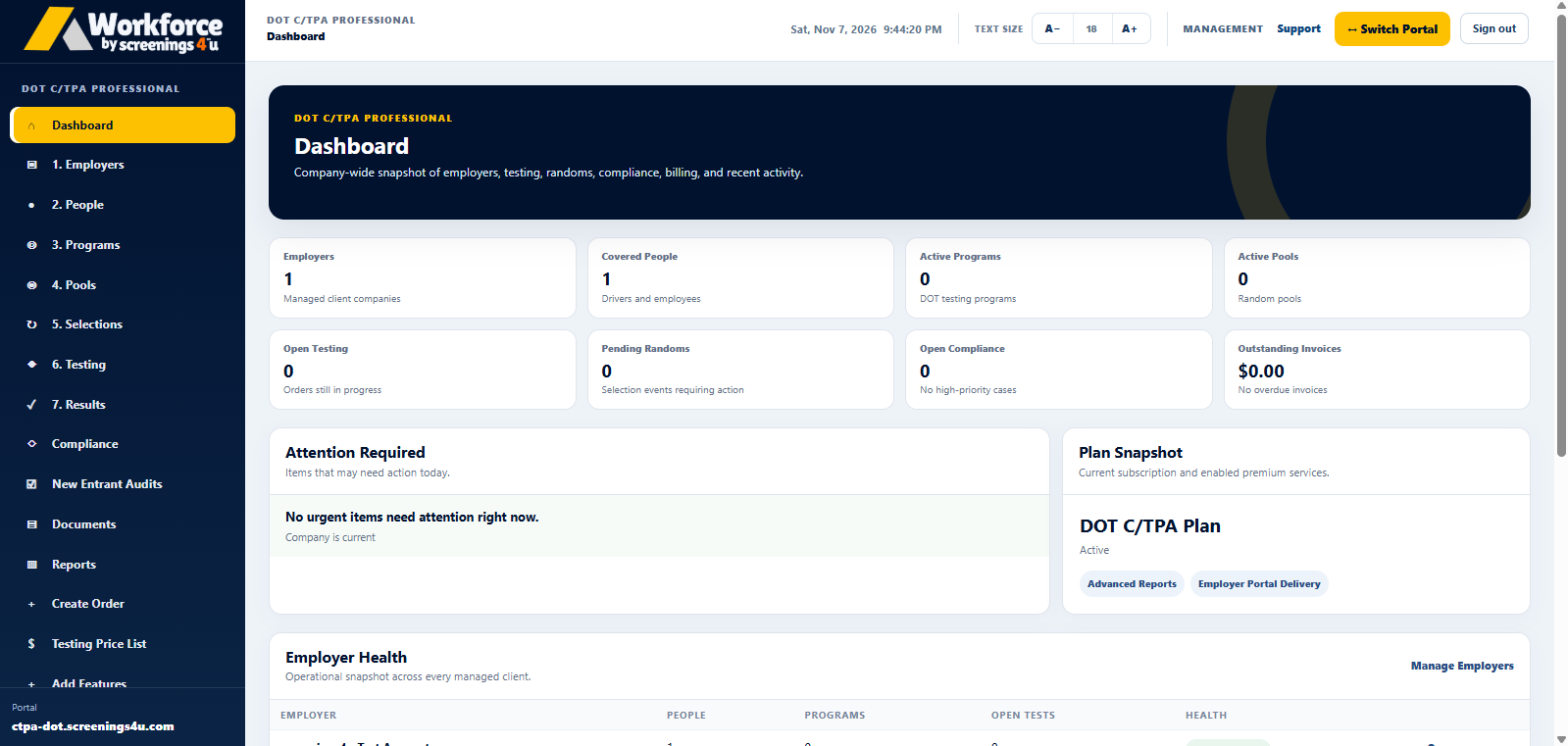
Start with permitted employee or driver records.
Identify program coverage and employer-specific onboarding needs.
Track the administrative next steps through the appropriate workflow.
View the plan features and checkout options on each subscription page.
Coordinate your company's people, programs and testing records.
From $85/monthExplore Employer Plans →PROGRAM ADMINISTRATORSCoordinate employer clients, covered programs and selections.
From $125/monthExplore C/TPA Plans →FMCSA INDEPENDENT DRIVERSOrganize an eligible single-driver FMCSA motor-carrier program.
From $74.95/yearExplore Owner-Operator Plans →